Top 15 DevSecOps Tools & Alternatives for 2026
DevSecOps has become the standard for delivering modern software. Teams no longer hand off code to security after development. By 2026, security is a shared, automated part of every step in the pipeline.
With so many vendors available, choosing the right tool can be tough. Do you need a full platform, a focused scanner, or an AI tool that fixes issues automatically?
In this guide, we round up the top DevSecOps tools to try in 2026. These platforms support your implementation by enabling safe collaboration, automated compliance, and infrastructure governance. We will cover what each tool does, its pros and cons, and exactly what legacy solution it replaces.
What is a DevSecOps tool?
A DevSecOps tool is any software designed to integrate security practices into the DevOps pipeline. Its primary goal is to automate security checks so they happen fast, frequently, and early in the development lifecycle (a practice known as shifting left
Unlike traditional security tools that run weeks after code is written, DevSecOps tools are embedded in the workflow. They typically fall into these categories:
- SAST (Static Application Security Testing): Scans source code for bugs while you type.
- SCA (Software Composition Analysis): Checks your open-source libraries for known vulnerabilities.
- IaC (Infrastructure as Code) Security): Scans Terraform or Kubernetes files to prevent cloud misconfigurations.
- DAST (Dynamic Application Security Testing): Attacks your running application to find runtime holes.
- Remediation Platforms: New for 2026, these tools use AI to automatically write fixes for the bugs found.
Top DevSecOps Tools
This list covers the top alternatives and competitors for different needs. Whether you’re a developer, platform engineer, or CISO, these tools are important for keeping your pipeline secure.
The best DevSecOps tools include:
- Plexicus (AI Remediation)
- Jit (Orchestration)
- GitLab (All-in-One Platform)
- Spacelift (IaC Policy & Governance)
- Checkov (IaC Scanning)
- Open Policy Agent (Policy as Code)
- Snyk (Developer-First Scanning)
- Trivy (Open Source Scanning)
- SonarQube (Code Quality & SAST)
- Semgrep (Customizable SAST)
- HashiCorp Vault (Secrets Management)
- Spectral (Secret Scanning)
- OWASP ZAP (Dynamic Testing)
- Prowler (Cloud Compliance)
- KICS (Open Source IaC Security)
1. Plexicus
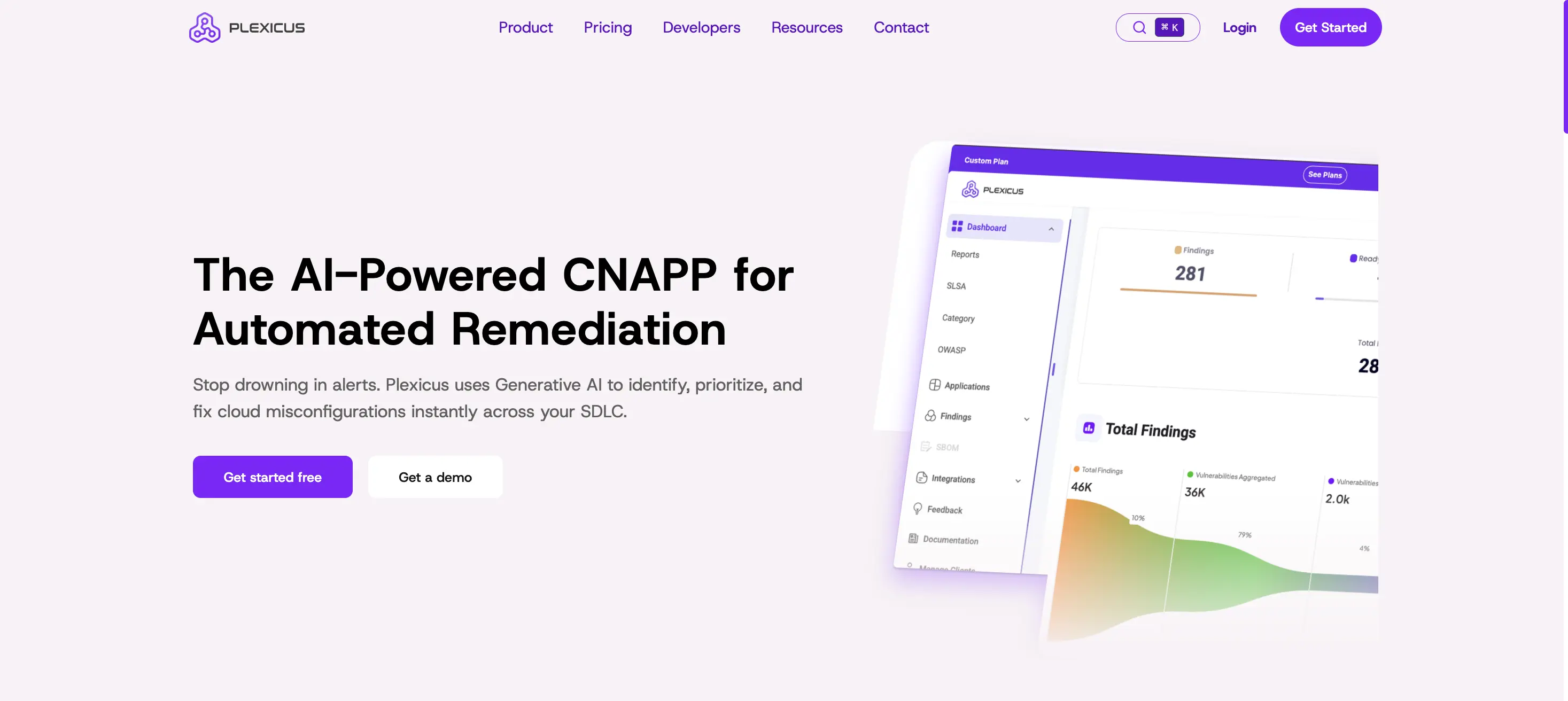
Category: AI-Driven Remediation
Best For: Teams wanting to automate the “fix,” not just the “find.”
Plexicus represents the next generation of DevSecOps tools. While traditional scanners create noise (alerts), Plexicus focuses on silence (fixes). It uses advanced AI agents, specifically its Codex Remedium engine, to analyze vulnerabilities and automatically generate Pull Requests with secure code patches.
- Key Features:
- Codex Remedium: An AI agent that writes code to fix vulnerabilities.
- Plexalyzer: Context-aware scanning that prioritizes reachable risks.
- Pros: Drastically reduces Mean Time to Remediation (MTTR) and developer burnout.
- Cons: Focuses heavily on the “fix” layer, often complementing a detection tool.
- Integration: 73+ native integrations across major categories:
- SCM: GitHub, GitLab, Bitbucket, Gitea
- SAST: Checkmarx, Fortify, CodeQL, SonarQube
- SCA: Black Duck, OWASP Dependency-Check
- Secrets: TruffleHog, GitLeaks
- IaC: Checkov, Terrascan
- Containers: Trivy, Grype
- CI/CD: GitHub Actions, Jenkins
- Cloud: AWS, Azure, GCP
- Custom: REST API + webhooks for any workflow
- Price: We will release the free tier soon for the community
2. Jit
Category: Orchestration
Best For: Unifying open-source tools into a single experience.
Jit (Just-In-Time) is an orchestration platform that simplifies security. Rather than using many separate tools, Jit combines top open-source scanners like Trivy, Gitleaks, and Sempervox into a single interface that works directly in your Pull Requests.
- Key Features:
- Security Plans: “Security-as-Code” that automatically deploys the right scanners.
- Unified Experience: Aggregates findings from multiple tools into one view.
- Pros: Great alternative to expensive enterprise suites; excellent developer experience.
- Cons: Customizing the underlying open-source scanner flags can sometimes be tricky.
- Integration:
- Native integration with GitHub, GitLab, Bitbucket, and Azure DevOps as SCM sources.
- Connects to 30+ scanners and cloud/runtime tools; pushes tickets into Jira and other work trackers.
- Price:
- Free for 1 developer via GitHub Marketplace.
- Growth plan starts at $50 per developer/month, billed annually; Enterprise is custom.
3. Spacelift
Category: Infrastructure as Code (IaC)
Best For: Policy governance and compliance for Terraform.
Spacelift is an orchestration platform focused on infrastructure security. Unlike standard CI/CD tools, Spacelift works closely with Open Policy Agent (OPA) to enforce policies. It stops non-compliant infrastructure, such as public S3 buckets, from being created.
- Key Features:
- OPA Integration: Blocks deployments that violate policy.
- Drift Detection: Alerts if your live cloud state deviates from your code.
- Self-Service Blueprints: Secure, pre-approved infrastructure templates.
- Pros: The best tool for Platform Engineering teams managing Terraform at scale.
- Cons: Paid platform; overkill for small teams just running simple scripts.
- Integration:
- Integrates with major VCS providers (GitHub, GitLab, Bitbucket, Azure DevOps).
- Supports Terraform, OpenTofu, Terragrunt, Pulumi, and Kubernetes as IaC backends, plus cloud provider integrations via OIDC.
- Price:
- Free plan: 2 users, 1 public worker, core features, free forever.
- Starter / Starter+: “Starting at” (approx. ~$399/month) with 10+ users and 2 public workers; Business and Enterprise are quote-only and scale with workers and features
4. Snyk
Category: Developer-First Security
Best For: Integrating security into the developer’s daily workflow.
Snyk is often the standard against which other DevSecOps tools are measured. It covers the full spectrum: code, dependencies, containers, and infrastructure. Its superpower is its developer-friendly design; it meets developers where they work (IDE, CLI, Git).
- Key Features:
- Vulnerability DB: A Proprietary database that is often faster than public sources.
- Automated Fix PRs: One-click upgrades for vulnerable libraries.
- Pros: High developer adoption and broad coverage.
- Cons: Can become expensive at enterprise scale.
- Integration:
- IDE plugins (VS Code, IntelliJ, JetBrains), CLI, and CI plugins for major CI/CD systems.
- Integrations for GitHub, GitLab, Bitbucket, Azure Repos, and cloud registries (ECR, GCR, Docker Hub, etc.).
- Price:
- Free tier with limited tests and projects.
- Paid plans generally start from $25/month per contributing developer, where a minimum of 5 contributing developers, up to 10
5. Trivy
Category: Open Source Scanning
Best For: Lightweight, versatile scanning.
Created by Aqua Security, Trivy is the Swiss Army Knife of scanners. It is a single binary that scans filesystems, git repositories, container images, and Kubernetes configs. It is fast, stateless, and perfect for CI pipelines.
- Key Features:
- Comprehensive: Scans OS packages, language dependencies, and IaC.
- SBOM Support: Generates Software Bill of Materials easily.
- Pros: Free, open-source, and incredibly easy to set up.
- Cons: Reporting is basic compared to paid platforms.
- Integration:
- Runs as a CLI or container in any CI/CD (GitHub Actions, GitLab CI, Jenkins, CircleCI, etc.).
- Integrates with Kubernetes (admission webhooks) and container registries via simple commands.
- Price:
- Free and open source (Apache 2.0).
- Commercial cost only when using Aqua’s enterprise platform on top.
6. Checkov
Category: IaC Static Analysis
Best For: preventing cloud misconfigurations.
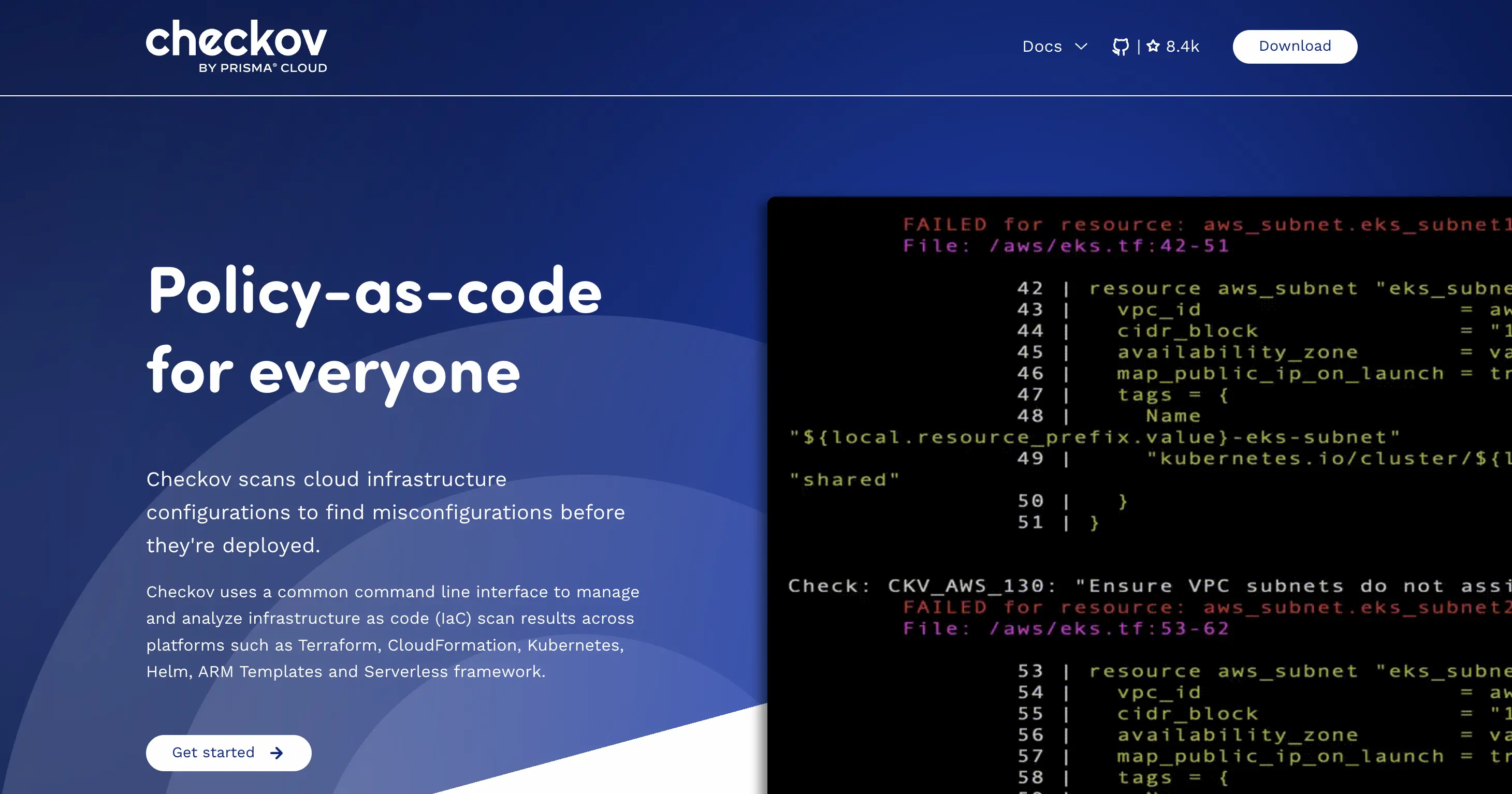
Built by Prisma Cloud, Checkov scans your infrastructure code (Terraform, Kubernetes, ARM) before deployment. It helps prevent mistakes like exposing port 22 or creating unencrypted databases.
- Key Features:
- 2000+ Policies: Pre-built checks for CIS, SOC 2, and HIPAA.
- Graph Scanning: understands resource relationships.
- Pros: The industry standard for Terraform security scanning.
- Cons: Can be noisy with false positives if not tuned.
- Integration:
- CLI-first; runs locally or in CI (GitHub Actions, GitLab CI, Bitbucket, Jenkins, etc.).
- Integrates with major IaC formats (Terraform, CloudFormation, Kubernetes, ARM, Helm).
- Price:
- Core Checkov is free and open source.
- Paid features come via Prisma Cloud (enterprise quote).
7. Open Policy Agent (OPA)
Category: Policy as Code
Best For: Universal policy enforcement.
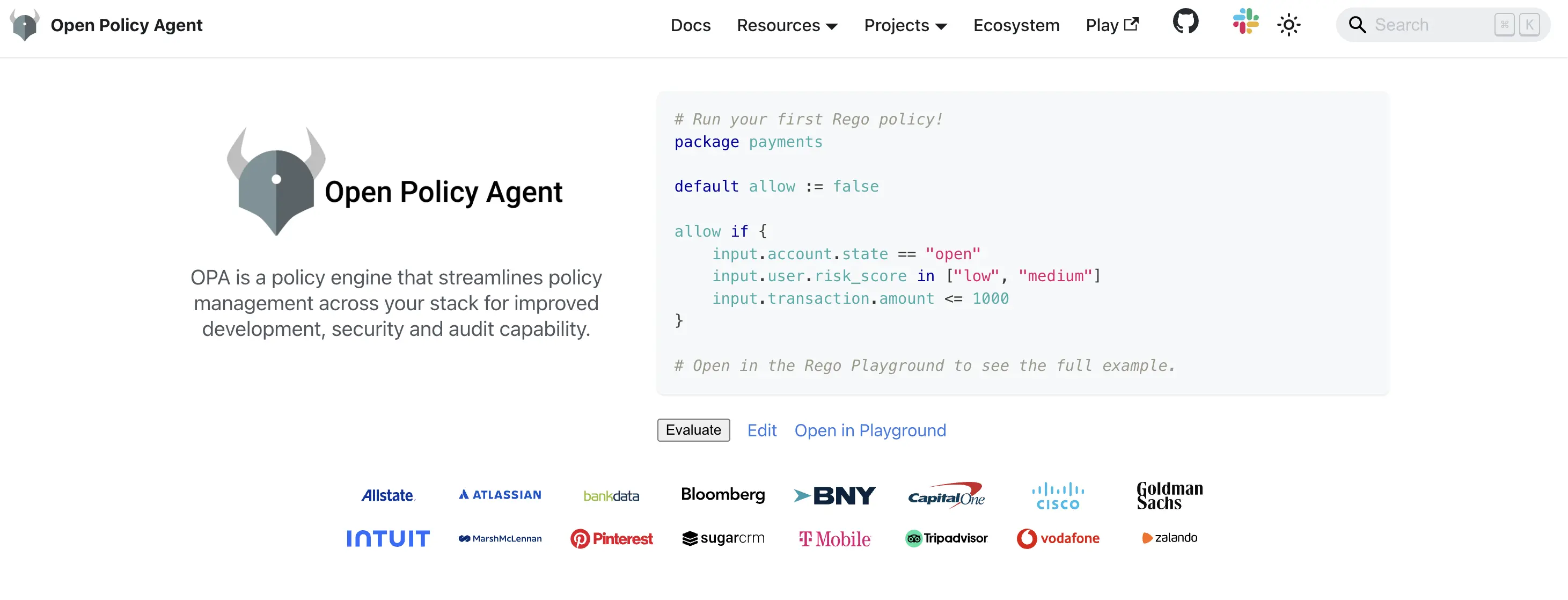
OPA is the core component behind many other tools. It lets you write policy as code using the Rego language and enforce it throughout your stack, including Kubernetes admission controllers, Terraform plans, and application authorization.
- Key Features:
- Rego Language: A unified way to query and enforce rules on JSON data.
- Decoupled Logic: keeps policy separate from application code.
- Pros: “Write once, enforce everywhere” flexibility.
- Cons: Steep learning curve for the Rego language.
- Integration:
- Embeds as a sidecar, library, or centralized policy service in microservices.
- Commonly integrated with Kubernetes (Gatekeeper), Envoy, Terraform (via tools like Spacelift), and custom apps via REST/SDK.
- Price:
- Free and open source.
- Only costs infra and any commercial control plane (e.g., Styra, Spacelift) that uses OPA.
8. SonarQube
Category: Code Quality & SAST
Best For: Maintaining clean, secure code.
SonarQube treats security as part of overall code quality. It scans for bugs, vulnerabilities, and code smells. Many teams use its Quality Gates to stop poor-quality code from being merged.
- Key Features:
- Quality Gates: Pass/Fail criteria for builds.
- Leak Period: Focuses developers on fixing new issues only.
- Pros: Improves overall maintainability, not just security.
- Cons: Requires a dedicated server/database setup (unlike lighter tools).
- Integration:
- Integrates with GitHub, GitLab, Bitbucket, and Azure DevOps for PR decoration.
- Works with most CI/CD tools via scanners (Jenkins, GitLab CI, Azure Pipelines, etc.).
- Price:
- Community Edition is free.
- Cloud edition starts at $32/month.
9. Semgrep
Category: Customizable SAST
Best For: Custom security rules and speed.
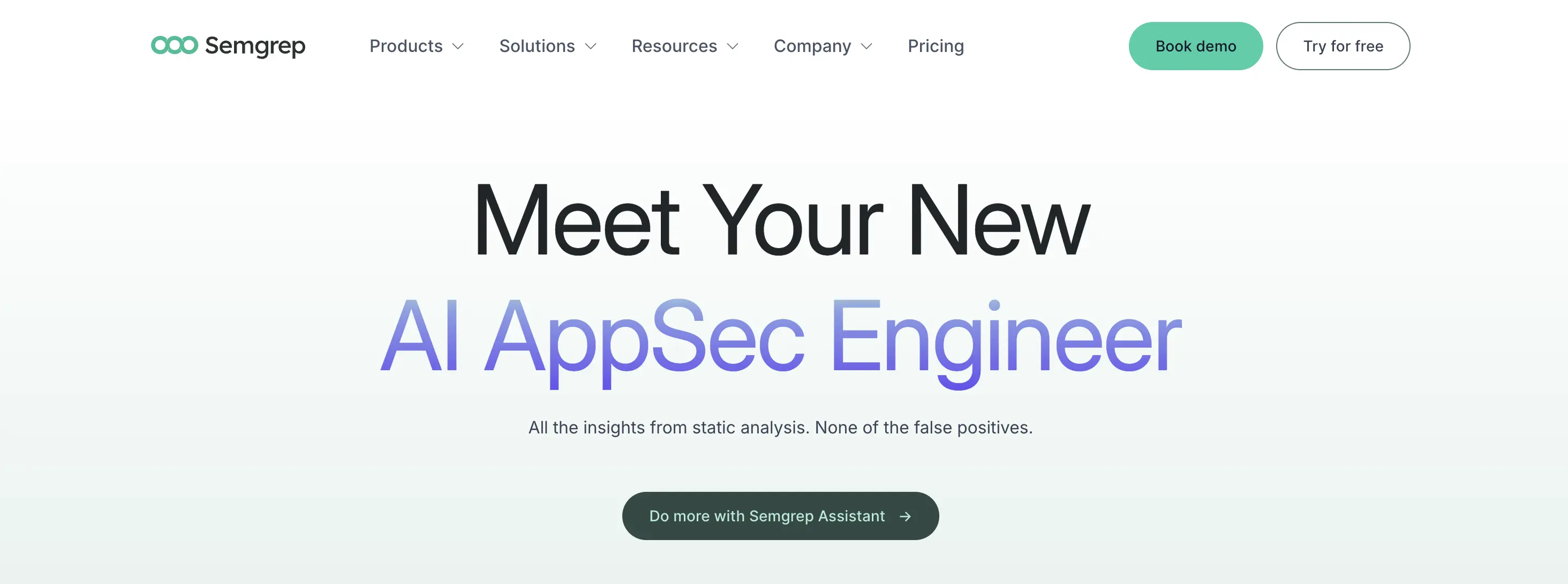
Semgrep (Semantic Grep) is a fast static analysis tool that lets you write custom rules in a code-like format. Security engineers like it for finding unique vulnerabilities specific to their company, without the delays of traditional SAST tools.
- Key Features:
- Rule Syntax: Intuitive, code-like rule definitions.
- Supply Chain: Scans for reachable vulnerabilities (paid feature).
- Pros: Extremely fast and highly customizable.
- Cons: Advanced features are locked behind the paid tier.
- Integration:
- CLI-based; plugs into GitHub Actions, GitLab CI, CircleCI, Jenkins, etc.
- Semgrep Cloud platform integrates with Git providers for PR comments and dashboards.
- Price:
- Semgrep engine is free and open source.
- Paid plan (Team) starts from $40/month per contributor, up to 10 contributors free.
10. HashiCorp Vault
Category: Secrets Management
Best For: Zero-trust security and dynamic secrets.
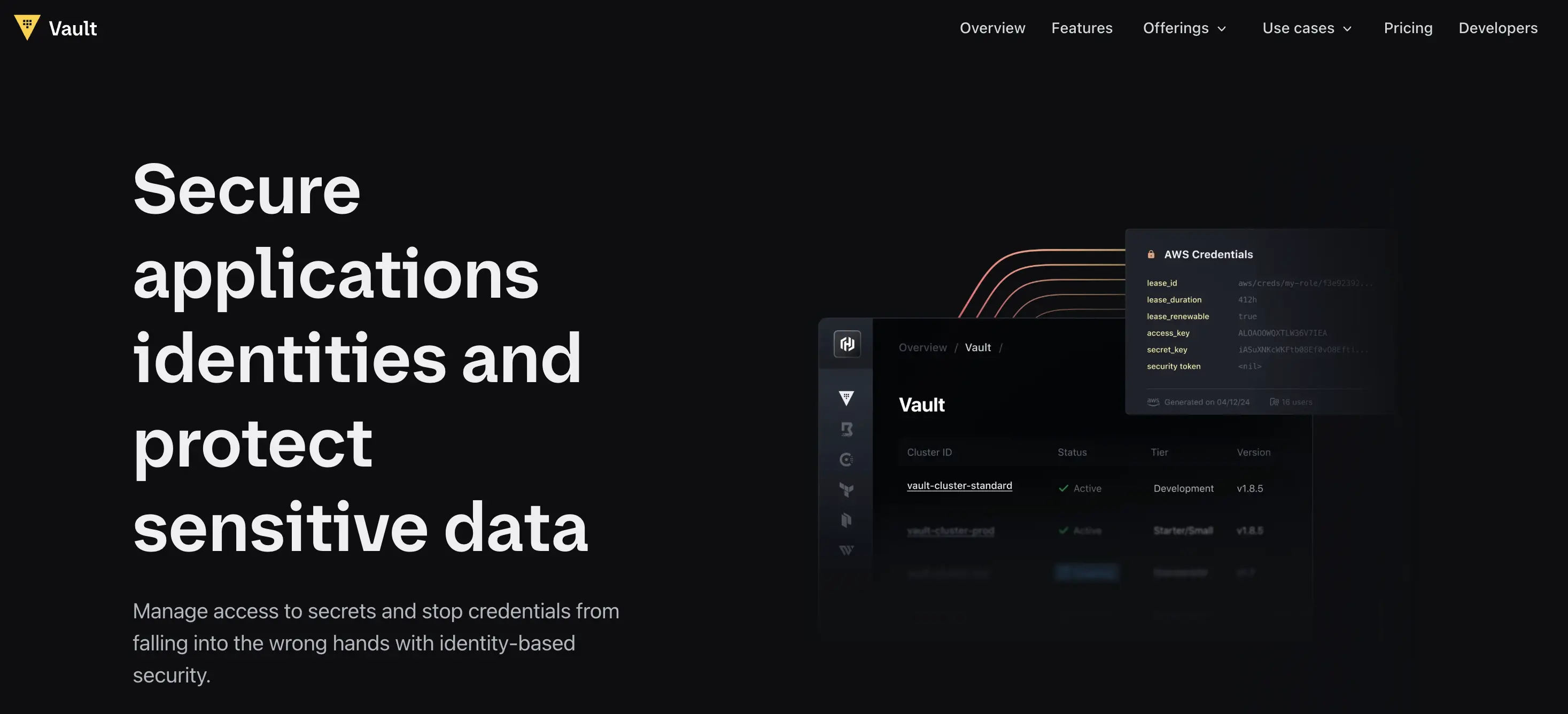
Vault is a leading tool for managing secrets. It goes beyond storing passwords by also managing identities. Its Dynamic Secrets feature creates temporary credentials as needed, reducing the risk of static, long-term API keys.
- Key Features:
- Dynamic Secrets: ephemeral credentials that expire automatically.
- Encryption as a Service: protecting data in transit and at rest.
- Pros: The most secure way to manage access in a cloud-native world.
- Cons: High complexity to manage and operate.
- Integration:
- Integrates with Kubernetes, cloud providers (AWS, GCP, Azure), databases, and CI/CD tools via plugins and APIs.
- Applications consume secrets via REST API, sidecars, or libraries.
- Price:
- Open-source Vault is free (self-managed).
- HCP Vault Secrets has a free tier, then about $0.50 per secret/month, and HCP Vault Dedicated clusters from roughly $1.58/hour; Enterprise is quote-only
11. GitLab

Category: End-to-End Platform
Best For: Tool consolidation.
GitLab builds security directly into the CI/CD pipeline. You don’t need to manage plugins, as security scanners run automatically and show results in the Merge Request widget.
- Key Features:
- Native SAST/DAST: Built-in scanners for all major languages.
- Compliance Dashboard: Centralized view of security posture.
- Pros: Seamless developer experience and reduced tool sprawl.
- Cons: High cost per user for the security features (Ultimate tier).
- Integration:
- All-in-one DevOps platform: Git repo, CI/CD, issues, and security in a single app.
- Integrates with external SCM/CI, too, but shines when used as the primary platform.
- Price:
- No free Ultimate tier (only trial).
- Paid plan starts from $29 per user/month,billed annually.
12. Spectral
Category: Secret Scanning
Best For: High-speed secret detection.
Now part of Check Point, Spectral is a scanner focused on developers. It finds hardcoded secrets like keys, tokens, and passwords in code and logs. It is built for speed, so it won’t slow down your build process.
- Key Features:
- Fingerprinting: Detects obfuscated secrets.
- Public Leak Monitor: Checks if your secrets have leaked to the public GitHub.
- Pros: Fast, low noise, and CLI-first.
- Cons: Commercial tool (competes with free options like Gitleaks).
- Integration:
- CLI integration into CI/CD (GitHub Actions, GitLab CI, Jenkins, etc.).
- SCM integrations for GitHub/GitLab and cloud-native environments.
- Price:
- Free tier for up to 10 contributors and 10 repositories.
- Business plan at about $475/month for 25 contributors; Enterprise is custom.
13. OWASP ZAP
Category: DAST
Best For: Free, automated penetration testing.
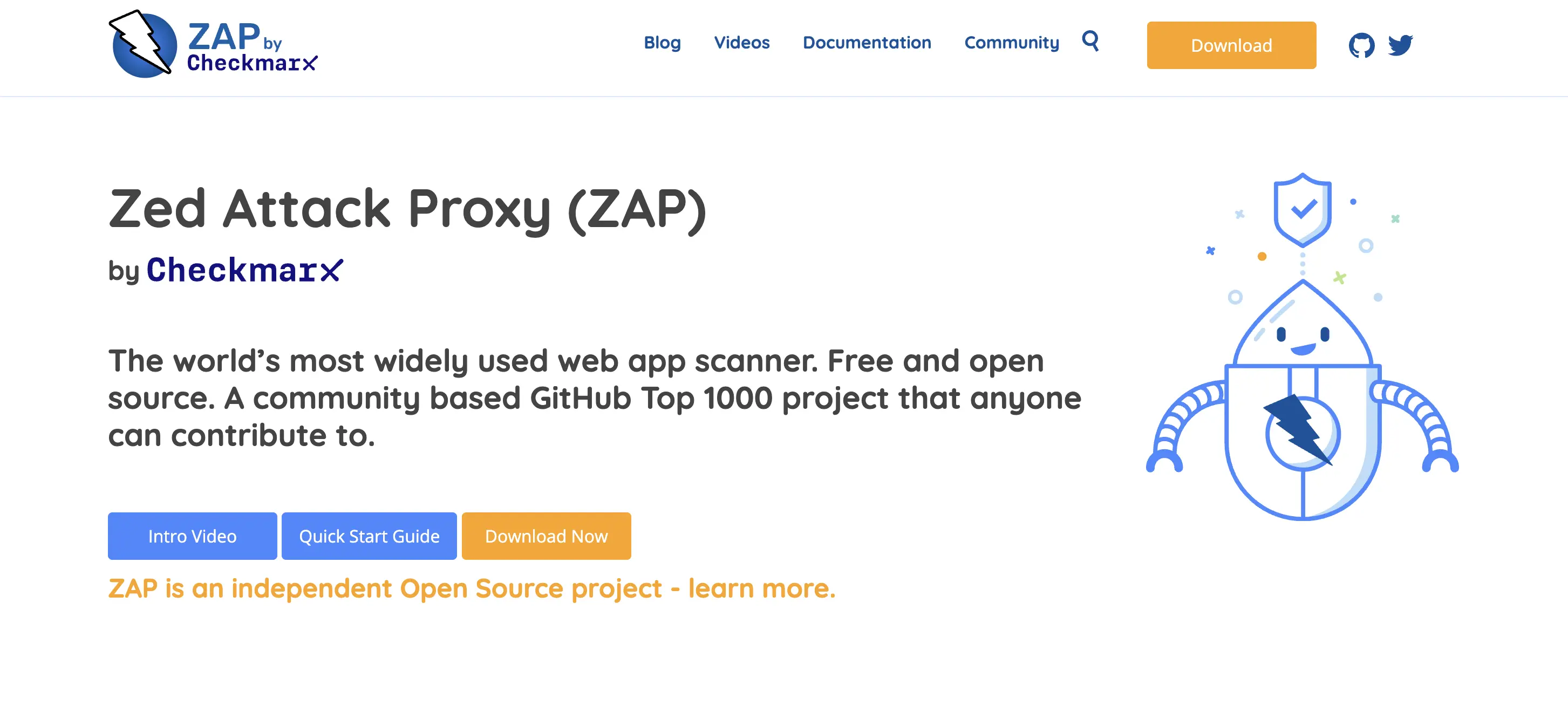
ZAP (Zed Attack Proxy) is the most widely used free DAST tool. It tests your application from the outside to find runtime vulnerabilities such as Cross-Site Scripting (XSS) and SQL Injection.
- Key Features:
- Heads Up Display (HUD): Interactive testing in the browser.
- Automation: Scriptable for CI/CD pipelines.
- Pros: Free, open-source, and widely supported.
- Cons: UI is dated; setup for modern Single Page Apps can be complex.
- Integration:
- Runs as a proxy or headless scanner in CI/CD.
- Integrates with Jenkins, GitHub Actions, GitLab CI, and other pipelines via scripts and official add-ons.
- Price:
- Free and open source.
- The only optional cost is for support or managed services from third parties.
14. Prowler
Category: Cloud Compliance
Best For: AWS security auditing.
Prowler is a command-line tool for security assessments and audits on AWS, Azure, and GCP. It checks your cloud accounts against standards such as CIS, GDPR, and HIPAA.
- Key Features:
-
- Compliance Checks: hundreds of pre-built checks.
- Multi-Cloud: Supports all major cloud providers.
- Pros: Lightweight, free, and comprehensive.
- Cons: It’s a snapshot scanner (point-in-time), not a real-time monitor.
- Integration:
- Runs via CLI in local environments or CI/CD for periodic audits.
- Can push results into SIEMs or dashboards via export formats.
- Price:
- Prowler Open Source is free.
- Prowler paid starts with pricing $79/cloud account per month.
15. KICS
Category: Open Source IaC
Best For: Flexible infrastructure scanning.
KICS (Keep Infrastructure as Code Secure) is an open-source tool similar to Checkov. It scans many formats, including Ansible, Docker, Helm, and Terraform.
- Key Features:
- Extensive Support: Scans almost any config file format.
- Query Customization: Powered by OPA/Rego.
- Pros: Totally open-source and community-driven.
- Cons: CLI output can be verbose without a UI wrapper.
- Integration:
- CLI-based; integrates into CI/CD (GitHub Actions, GitLab CI, Jenkins, etc.).
- Works with many IaC formats across multi-cloud stacks.
- Price:
- Free and open source.
- No license fees; only infra and maintenance costs.
Why use DevSecOps tools in the SDLC?
Adopting these tools isn’t just about “being secure”; it’s about enabling speed without the risk.
-
Tighter Development Loops:
When developers use tools like Jit or Snyk, they get feedback as they code instead of waiting weeks. This “Shift Left” method can make fixing bugs up to 100 times cheaper.
-
Automated Remediation:
Tools like Plexicus take the work of fixing vulnerabilities off developers’ shoulders. Automation not only finds issues but also fixes them.
-
Governance at Scale:
Tools like Spacelift and OPA help you grow your infrastructure while staying in control. You can deploy to many regions with the same level of safety, since policies enforce security automatically.
-
Audit Readiness:
Rather than rushing before a compliance audit, DevSecOps tools like Prowler and Checkov help you stay compliant all the time. They provide logs and reports as proof.
Key points
- DevSecOps tools bring development, operations, and security together in one automated workflow.
- The market is moving from simply detecting issues to fixing them, with tools like Plexicus leading the way with AI-powered solutions.
- Orchestration is important. Tools like Jit and GitLab make things easier by combining several scanners into a single view.
- Infrastructure as Code needs its own security tools. Spacelift and Checkov are top options for managing cloud resources securely.
- The best tool is the one your developers will use. Focus on developer experience and easy integration instead of just looking at feature lists.