GitHub Will Block pull_request_target by Default in Public Repositories
A GitHub Actions policy change puts privileged pull request workflows under scrutiny. Here is what maintainers can do before enforcement.
Beyond ASPM
Proof-Driven AppSec for teams building with AI
Plexicus uses AI Swarm Pentest to explore authorized application paths, validate what is exploitable, and give teams evidence they can use to prioritize remediation.
Explore AI Swarm PentestOn December 2, 2026, GitHub plans to block pull_request_target events by default in public repositories unless an applicable Actions event policy explicitly allows them. Two temporary enforcement windows come first. The change can protect a sensitive boundary, but it can also interrupt workflows that maintainers expect to run.
The dates and scope
GitHub announced the updated schedule on November 2. The default rule is in evaluate mode before enforcement: affected workflows can run with warnings outside the temporary windows.
| Date | What happens |
|---|---|
| November 9, 2026, 16–18 UTC | First temporary enforcement window |
| November 16, 2026, 16–18 UTC | Second temporary enforcement window |
| December 2, 2026 | Default blocking begins |
During a window, a run blocked by the default rule fails with an error annotation and the workflow does not execute. The change applies to public repositories on GitHub Free, Team and Enterprise Cloud. GitHub says private and internal repositories, and GitHub Enterprise Server, are not affected by this rule.
Why this event deserves attention
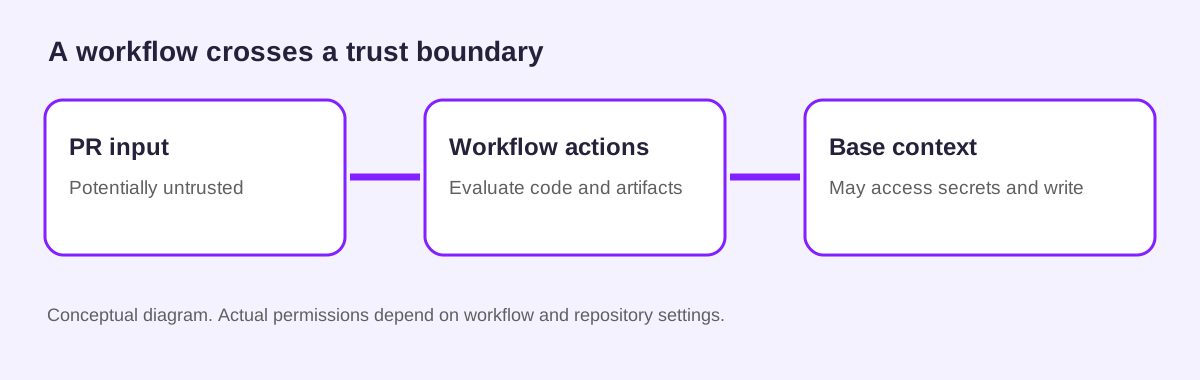
pull_request_target runs in the base repository context. According to GitHub’s secure-use guidance, privileged workflows can have access to repository write permissions, referenced secrets and the main branch cache. Checking out and executing untrusted pull request content in that context can let an attacker compromise the pipeline or steal secrets.
The trigger name alone does not prove a workflow is exploitable. Inspect what code, scripts and artifacts it actually processes, which permissions and secrets it receives, and whether contributors from forks can influence those inputs. GitHub also warns that a separate workflow_run workflow must treat artifacts from untrusted runs with caution.
Before the first window
- Use GitHub’s Insights to identify runs that the rule would block, then map each result to its owner and purpose.
- Decide whether the job needs the privileged event. For untrusted code execution, consider a
pull_requestworkflow with the minimum necessary permissions. Test forks and repository settings explicitly; changing the event name alone is not a complete security review. - If a privileged workflow is necessary, avoid executing untrusted code, narrow permissions and review any artifact boundary. GitHub documents how to control workflow execution.
- Keep the default block where possible. If the workflow genuinely requires the event, GitHub offers explicit event policies and workflow targeting. Review any exception before granting it; an allow rule restores execution, not trust in the input.
- Run a controlled test before the November 9 window and prepare an owner and rollback plan for unexpected failures.
Connect the workflow decision to evidence
A policy change answers whether a workflow may start. The security review still needs evidence about what the workflow will execute and which credentials it can reach. Preserve the workflow revision, the event source and the observed result with the remediation decision.
Plexicus AI Swarm Pentest describes evidence-backed validation of authorized applications and APIs, while remediation supports turning validated application findings into reviewable fixes. Use those workflows alongside a separate review of GitHub Actions configuration; do not assume an application scan proves a workflow policy is safe.
Review the affected repositories now, before the first enforcement window. Explore Plexicus remediation to see how your team can make validated application fixes easier to review.
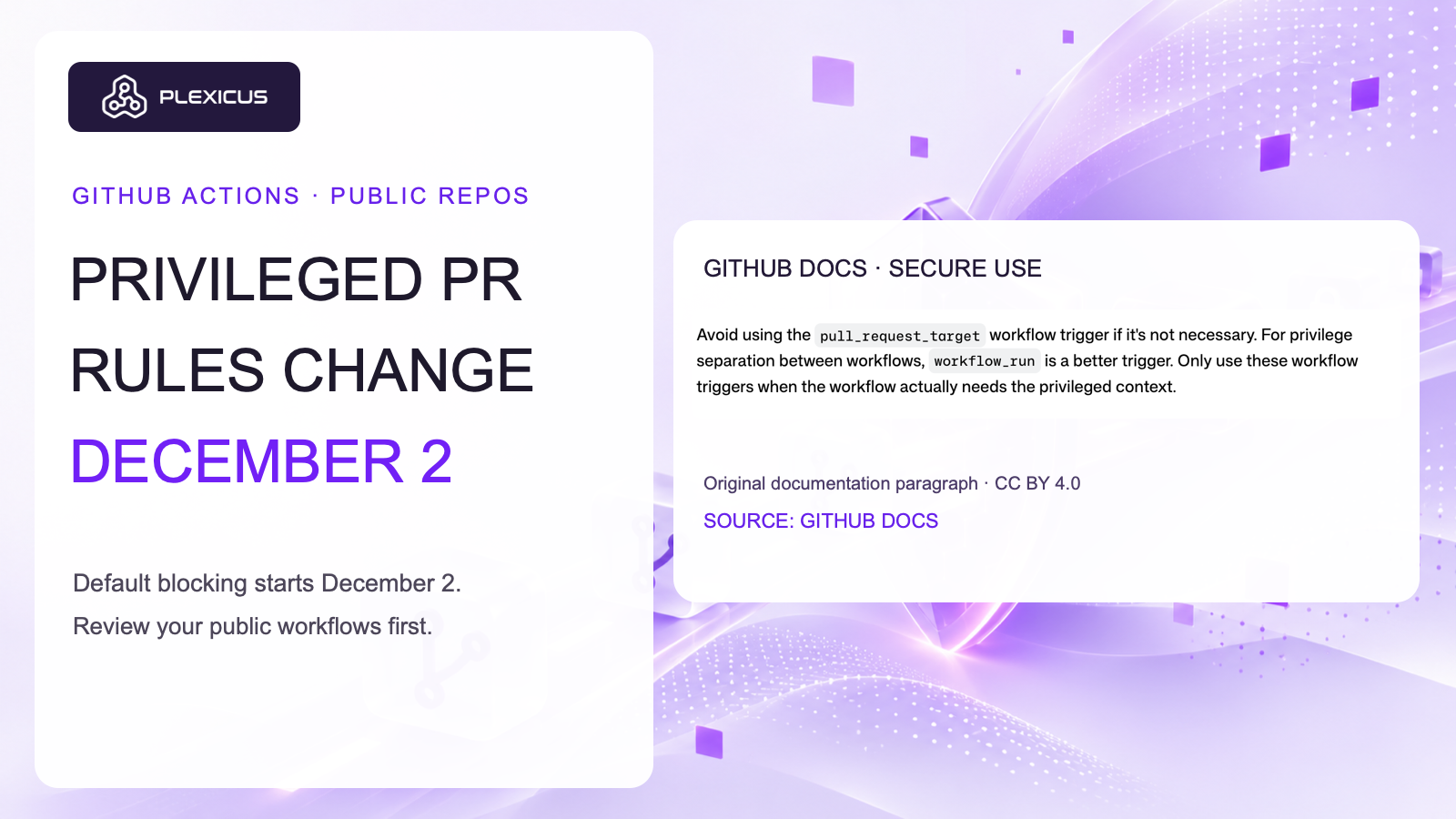
Thumbnail source excerpt: GitHub Docs, Secure use reference, licensed CC BY 4.0. Original documentation paragraph captured directly as an unaltered image; no endorsement is implied.