GitHub Will Pause Dependabot Alerts on Inactive Repositories
A repository can remain deployed long after its last commit. GitHub is changing how Dependabot alerts behave when development stops.
Beyond ASPM
Proof-Driven AppSec for teams building with AI
Plexicus uses AI Swarm Pentest to explore authorized application paths, validate what is exploitable, and give teams evidence they can use to prioritize remediation.
Explore AI Swarm PentestA repository can remain deployed long after its last commit. GitHub is changing how Dependabot alerts behave when development stops.
What changes on December 8
GitHub announced that, starting December 8, 2026, Dependabot alerts will be turned off for most repositories with no qualifying activity in the past year. Existing alerts are archived, not deleted, and can be restored. This is an alerting policy change, not evidence that inactive software is safe or that its dependencies are no longer used.
GitHub counts creating the repository, pushing to any branch or tag, and enabling Dependabot alerts as activity. A push automatically turns alerts back on; an administrator can also enable them in settings. Either action restores archived alerts and starts a new one-year clock.
Exceptions matter
GitHub says repositories with an enforced security configuration that enables Dependabot alerts are excluded. Repositories in enterprises whose policy prevents repository administrators from changing the alert setting are also excluded. The change applies to all plans on GitHub.com and GitHub Enterprise Cloud with data residency; it does not apply to GitHub Enterprise Server. Consult the announcement for the current rules.
What security teams should do
- Inventory repositories that have not had qualifying activity for a year, including code that is still deployed or reused.
- Check whether each repository is covered by an enforced configuration or enterprise policy. Assign an owner to repositories whose alerting could pause.
- Where appropriate, re-enable alerts in settings or push an authorized change, then review the restored alerts. Do not create meaningless commits merely to satisfy a clock.
- Track deployment ownership and review vulnerable dependencies using the evidence available; restoring alerts does not itself remediate a finding.
Keep the repository and the application connected
An inactive repository may still produce a running service. Plexicus remediation describes reviewable fixes for validated findings, while AI Swarm Pentest covers authorized application and API testing. Those capabilities do not imply that Plexicus automatically changes GitHub settings or restores Dependabot alerts. Connect repository ownership, deployed applications and remediation decisions so that an archived alert does not disappear from the team’s follow-up.
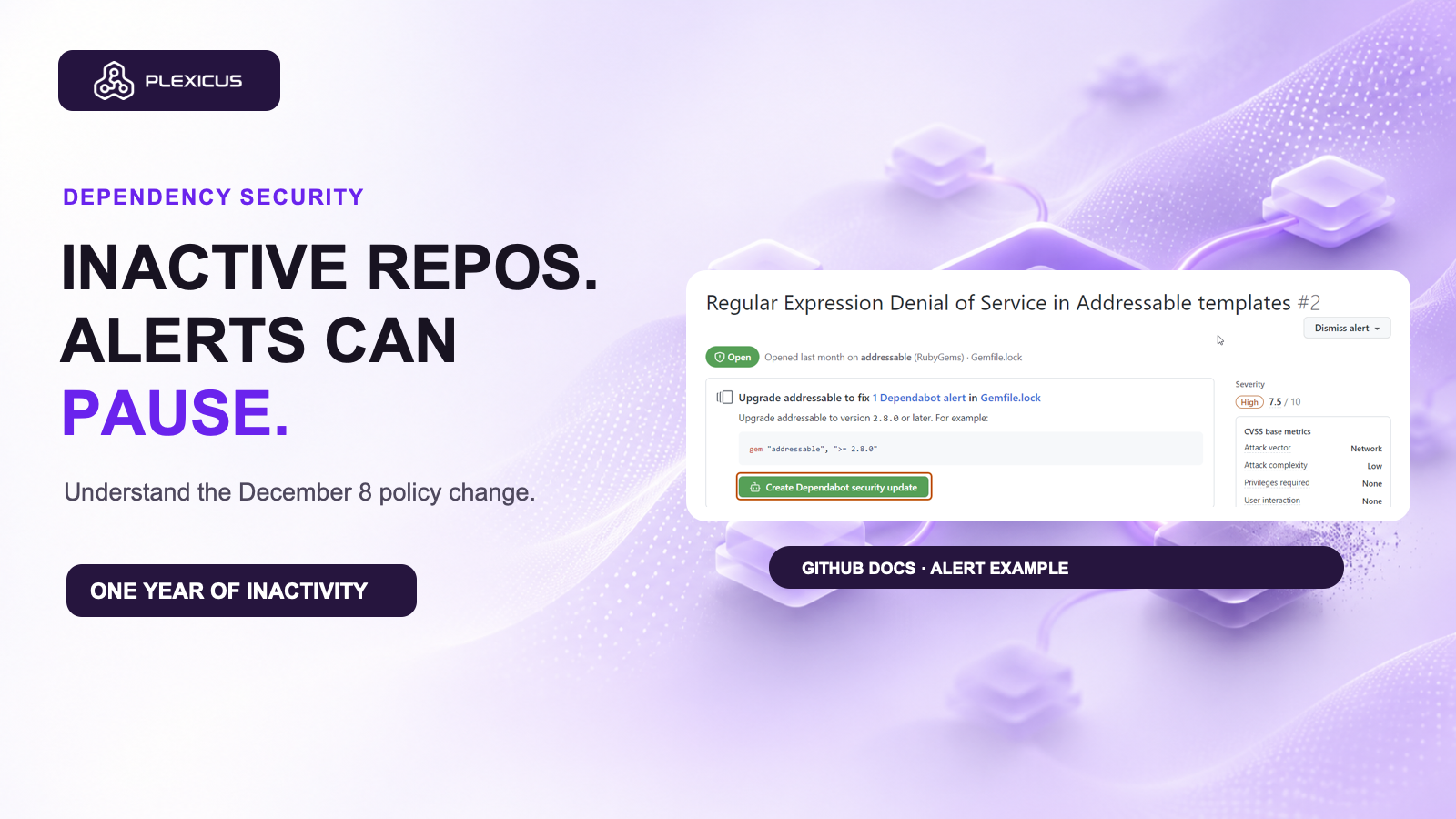
Thumbnail: original GitHub Docs Dependabot alert example, GitHub, CC BY 4.0. The documentation screenshot illustrates an alert and does not depict an inactive repository.