AI Agents Found Exposed Secrets. The Next Boundary Was Cloud Identity
Microsoft observed AI-assisted attackers move from public secrets to cloud resources. Learn how to investigate access and contain exposure.
Beyond ASPM
Proof-Driven AppSec for teams building with AI
Plexicus uses AI Swarm Pentest to explore authorized application paths, validate what is exploitable, and give teams evidence they can use to prioritize remediation.
Explore AI Swarm PentestOn November 5, Microsoft Threat Intelligence reported that threat actors used an agentic framework to search public repositories for exposed credentials and carry out follow-on cloud activity. In at least one case, Microsoft observed an agent progress from searching for secrets to extracting data from Azure Key Vault in five minutes. That is an observed case, not a general estimate for every attack.
The exposed value is a starting point
The investigation describes searches for application credentials and other secrets, followed in some incidents by service-principal sign-ins and discovery across cloud resources. An application identity can reach whatever its assigned permissions allow. The risk therefore depends on both the exposed credential and the access behind it.
Microsoft also observed adaptive sequences where failed cloud API requests were followed by changes to API versions or methods. The report describes observed behavior; it does not establish that every exposed secret led to the same outcome, or that every action was fully autonomous.
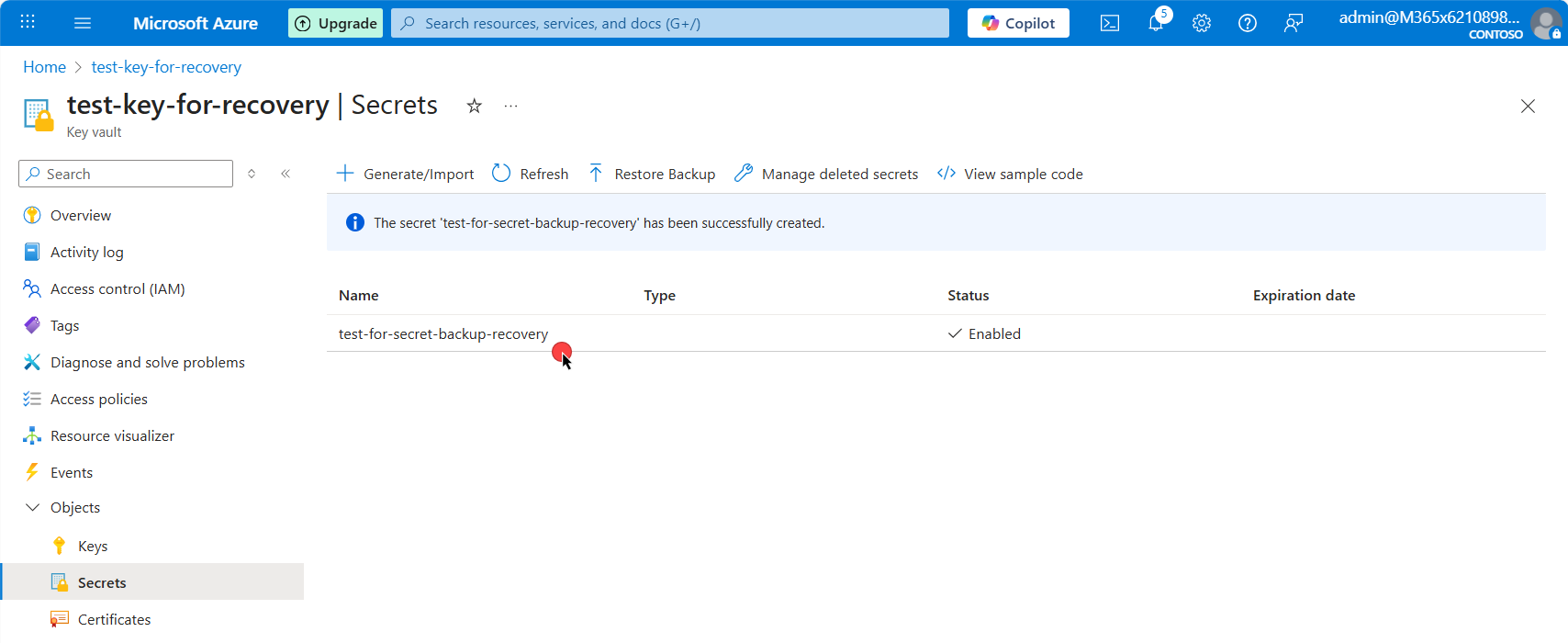
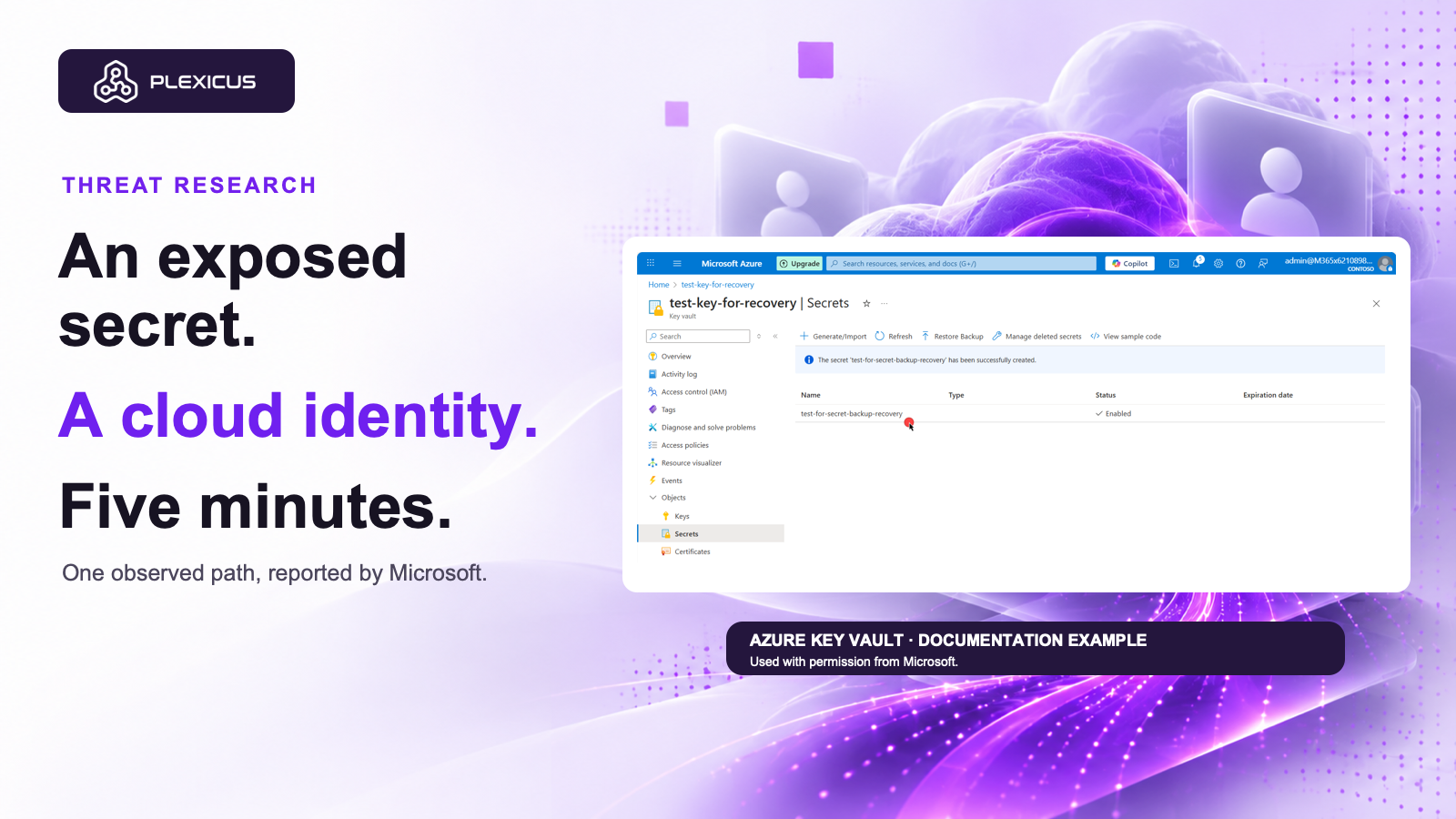
This is a Microsoft documentation example, not a screenshot of an affected organization or of the reported attack.
Investigate the access, not just the match
| Question | Evidence to collect |
|---|---|
| What was exposed? | Source revision, path, credential type, and where copies may exist. Avoid putting the secret itself in tickets. |
| Which identity could use it? | Application owner, service principal, tenant scope, permissions, and expiration. |
| What could it reach? | Relevant vaults, storage, applications, and other permitted resources. |
| What happened after exposure? | Sign-in and access records, unusual resource discovery, downloads, and credential changes where logs are available. |
| What was contained? | Revocation or rotation, owner confirmation, and follow-up review. |
Removing a secret from the current file does not invalidate an existing credential. Follow your incident process promptly: identify the owner, revoke or rotate as appropriate, review permissions, and investigate access during the exposure window. Microsoft notes that already issued tokens can remain valid until expiry; response must account for the identity and its downstream access as well as the original secret.
Reduce the path before the next alert
Prefer short-lived or managed identities where supported, avoid placing credentials in source, and grant applications only the permissions they require. Review service-principal access and the recovery paths an attacker could use. Where a vault may have been accessed, determine which stored credentials require rotation using your incident-response process.
Plexicus describes evidence-backed application testing and remediation workflows. Teams can use these alongside their existing identity and cloud incident processes to make application findings and follow-up work reviewable. These pages do not establish automatic Azure containment or credential rotation by Plexicus.
Source image: Microsoft Entra documentation, Recover applications, CC BY 4.0; original screenshot shown unmodified as a documentation example. License. Used with permission from Microsoft.