EMBRACE Shows the Security Boundary Problem Inside AI Coding Assistants
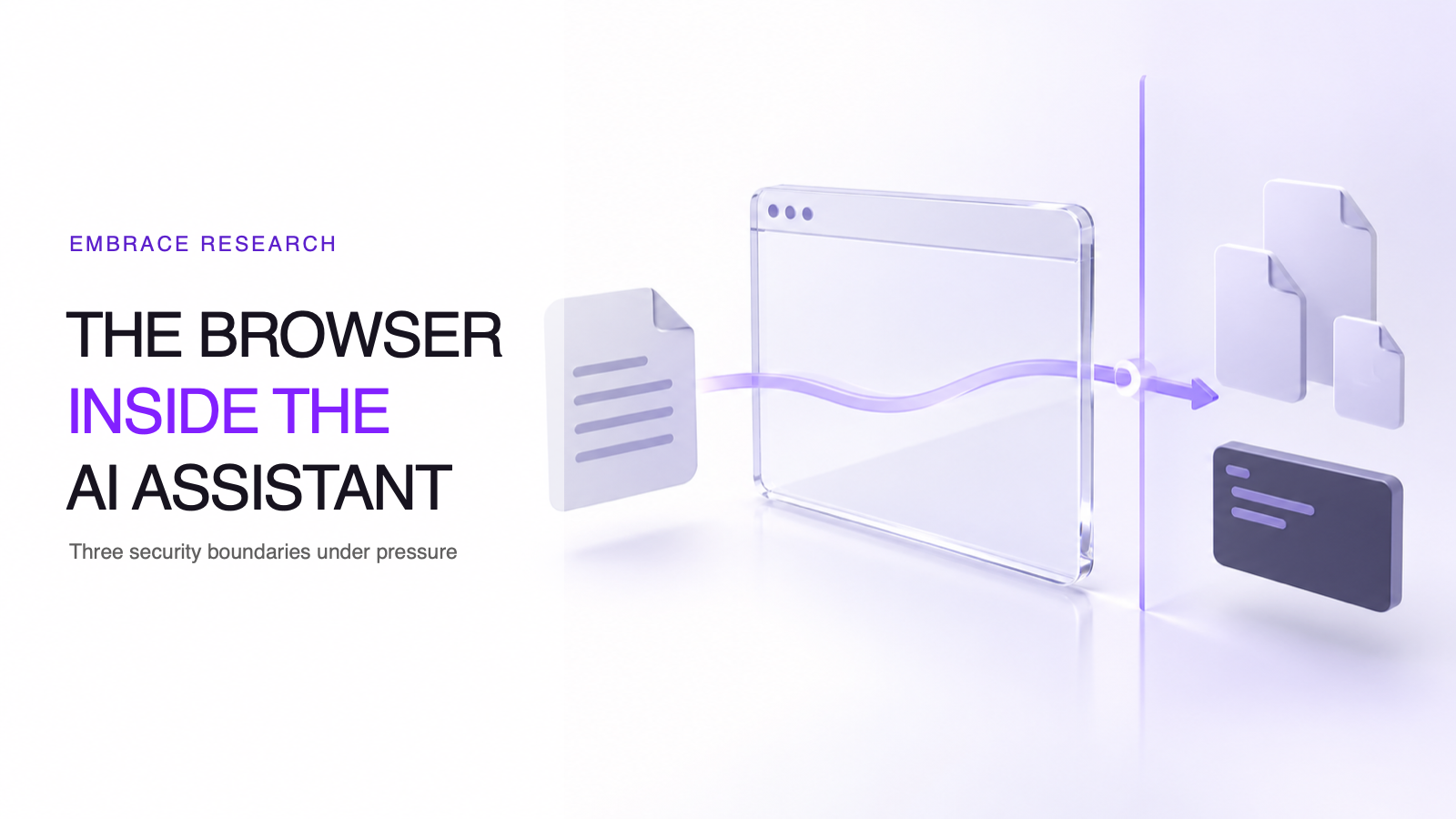
EMBRACE is a useful reminder that an embedded browser does not automatically keep the security boundaries of a standalone browser.
Beyond ASPM
Proof-Driven AppSec for teams building with AI
Plexicus uses AI Swarm Pentest to explore authorized application paths, validate what is exploitable, and give teams evidence they can use to prioritize remediation.
Explore AI Swarm PentestAI coding assistants increasingly combine a browser, an agent, project files and command execution in one desktop workflow. On October 29, 2026, Forever Security published EMBRACE, a study of five such tools: Cursor, GitHub Copilot, OpenAI Codex, Visual Studio Code and Claude Desktop. The researchers describe three different failure classes across those products. Their central lesson is about boundaries: when an embedded browser receives extra access or authority, familiar browser assumptions may no longer hold.
This is a researcher-reported set of controlled demonstrations, not evidence that every user is compromised or that all five products share one bug. It is still a useful case study for teams assessing AI coding tools as part of their developer endpoint threat model.
What the EMBRACE researchers reported
The main report groups its findings into three outcomes. Its technical companion provides the mechanisms and reproduction detail. The table below summarizes the report without treating the products as interchangeable.
| Embedded assistant examined | Reported failure class | What the researchers demonstrated | Status stated in the October 29 report |
|---|---|---|---|
| Cursor | Page content could influence the agent and reach host command execution | A crafted page supplied hidden instructions through the browser integration. The agent requested a command; the researchers report that it retried after its sandbox blocked the first attempt. The behavior depended on the model. | Researchers say Cursor silently patched the issue on October 1. |
| GitHub Copilot | Browser address spoofing | A page could report a different address to the preview, confusing both the user and the agent about the page’s origin. | Researchers say a later build, 1.1.29, fixed it before they had sent a report. |
| Codex, Claude Desktop and VS Code | Local file access outside the intended project boundary | The researchers report that a local preview could read files beyond the project. Their technical article describes different paths in Codex versus Claude Desktop and VS Code. | Researchers say the Codex and VS Code cases remained open when their report was published. |
These status notes come from the researchers’ disclosure timeline. They are not independent confirmation of the current state of every vendor build. Verify vendor release notes and update status before making an incident or patch decision.
Why one feature can cross several security boundaries
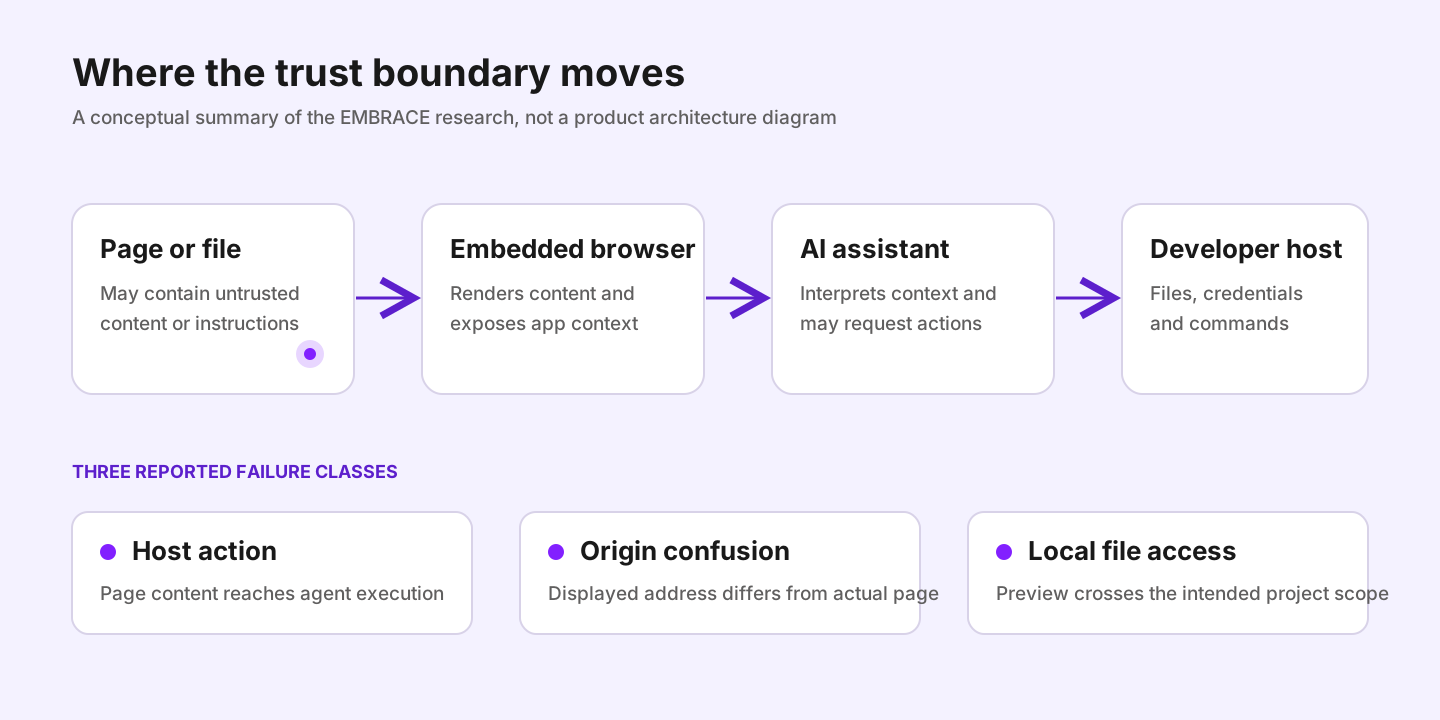
A normal browser is designed to keep web content separate from the local machine. An AI coding environment may deliberately add capabilities so the assistant can inspect a page, preview a local project or act on what it sees. Those capabilities create trust relationships among at least four components:
- The page or local file, which may contain content an attacker controls.
- The embedded browser, which renders that content and exposes context to the application.
- The assistant, which interprets page content and may request tools or actions.
- The host, which owns project files, credentials and command execution.
The VS Code integrated browser documentation describes product capabilities such as previewing pages, using browser tools with agents and controlling some permissions and storage behavior. That context helps explain why these integrations exist. It does not validate the EMBRACE vulnerabilities; those claims are based on Forever Security’s research.
The three EMBRACE outcomes show why a security review should not stop at asking whether the model followed an instruction. A page may reach a privileged bridge, make an application misreport its origin, or exploit a gap between the browser’s top-level page checks and work performed in a worker. In the local-file case, the report says the assistant did not need to make a bad decision for the boundary failure to matter.
What this changes for AppSec teams
EMBRACE is not a source-code scanning result. It concerns the security properties of software used on developer workstations. A secure application pipeline still matters, but code review alone cannot enforce browser-origin integrity or local filesystem isolation in an IDE.
Treat these as separate control layers. For code-level risk, teams can use deep code analysis and a reviewed remediation workflow. For the endpoint, teams need a current inventory of AI-enabled developer tools, their embedded browser features and the permissions those features receive. The distinction is important: a control that analyzes repository code does not, by itself, prevent a desktop application from crossing a workstation boundary.
For teams already adopting AI-assisted development, our vibe coding security guide and governance guide cover adjacent controls. The Proof-Driven AppSec workflow explains how to keep code findings tied to reviewable evidence and fixes.
A practical review checklist
Use the report as a prompt for a product-specific review, not as a blanket verdict on every installation:
- Inventory the exact application and build. Include editor-integrated previews and desktop assistants, not only standalone browsers.
- Separate page origin from displayed context. Confirm that the application derives origin from the browser’s actual navigation state and does not trust a page-supplied label.
- Test local-file boundaries. Confirm that previews cannot read outside an explicitly authorized workspace, including from workers and other background contexts.
- Constrain agent actions independently. Browser content should not silently become command authorization. Keep approvals, sandbox policy and execution scope enforced outside the model’s own reasoning.
- Limit exposure and outbound paths. Apply endpoint least privilege and appropriate egress controls so one preview cannot freely reach unrelated secrets or services.
- Track vendor status. The EMBRACE report dates its remediation claims. Check the vendor’s current release and advisory before classifying a particular build as affected or fixed.
A click or keystroke is not a robust boundary when it is presented by a tool the user already trusts. It can still be part of a defense, but it should sit alongside origin validation, scoped file access and enforceable execution controls.
The broader lesson
EMBRACE does not show that AI coding assistants are inherently unsafe. It shows that adding an agent to a mature security component changes the threat model. Browser isolation, project trust, command approval and endpoint permissions need to be tested together because the integration can connect them in ways the original components did not.
Plexicus focuses on application security analysis and remediation workflows. Those controls address a different layer from desktop-browser isolation, so teams should assess both rather than expecting one to replace the other. If you are mapping security controls across AI-assisted development, talk with Plexicus about the application-security portion of that review.
Sources
- EMBRACE: How We Hacked the Browsers Embedded in Top Five Desktop AI Assistants, Forever Security, October 29, 2026.
- EMBRACE technical overview, Forever Security, October 29, 2026.
- Integrated browser documentation, Microsoft, accessed October 30, 2026.